Feb 10, 2025
Basics of 3D
Tutorial
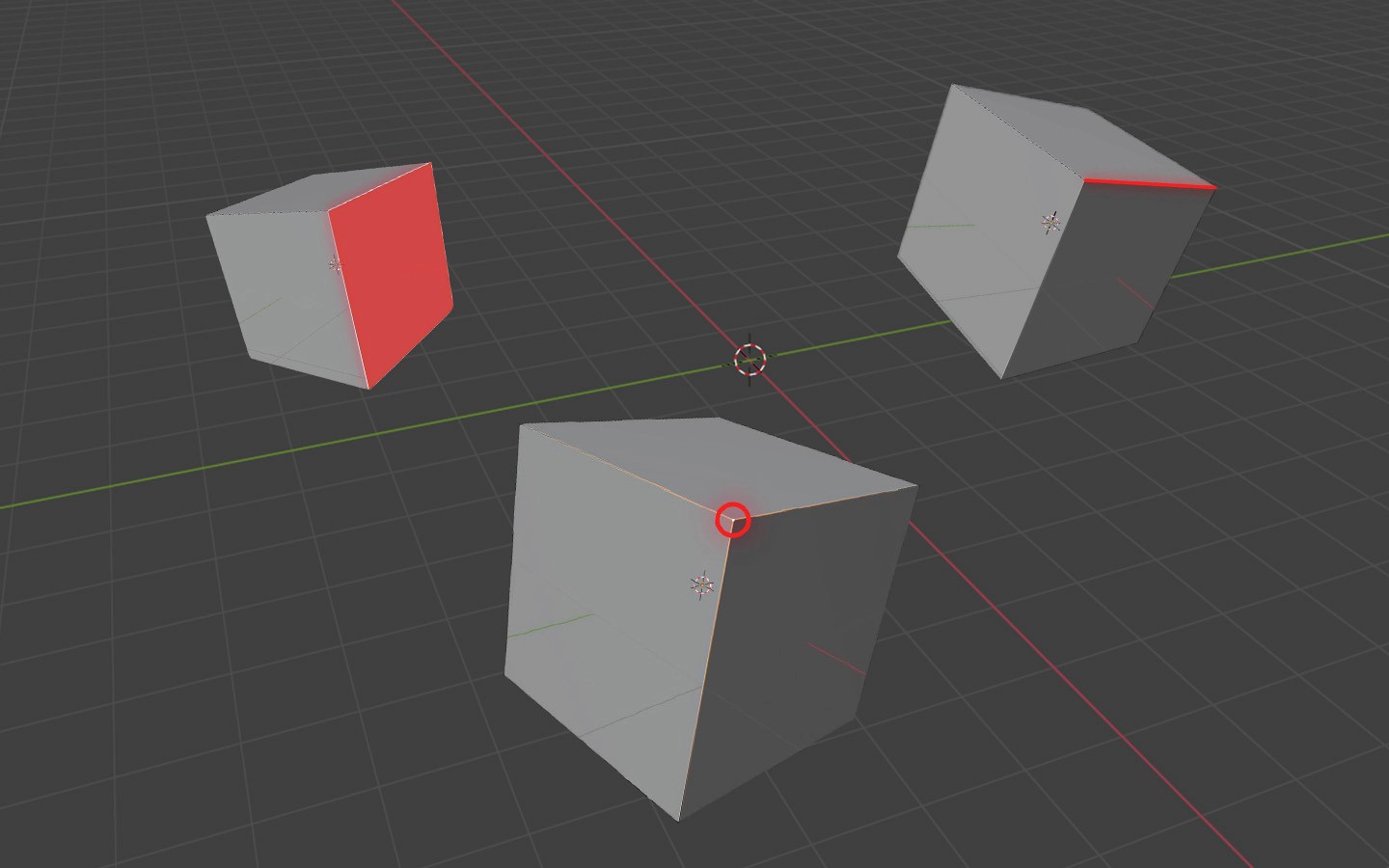
Before you open up blender or any other 3D design software there are a few things you need to know.
Like everything in the world around is made up of something i.e., atoms make up objects, bricks make up a wall etc., the objects in a 3D software are also made up of certain objects.
As such, from this article you will learn the very basics of blender and the very basics of 3D modelling.
The following are the components that constitute a 3D object:
Vertices [singular - 'vertex']
Vertices are points on a 3d model that mark certain intersections. Generally the rule of thumb is that the more number of vertices you have, the more details you will have in your model. BUT, do note that the more number of vertices you have, the more your computer needs to calculate.
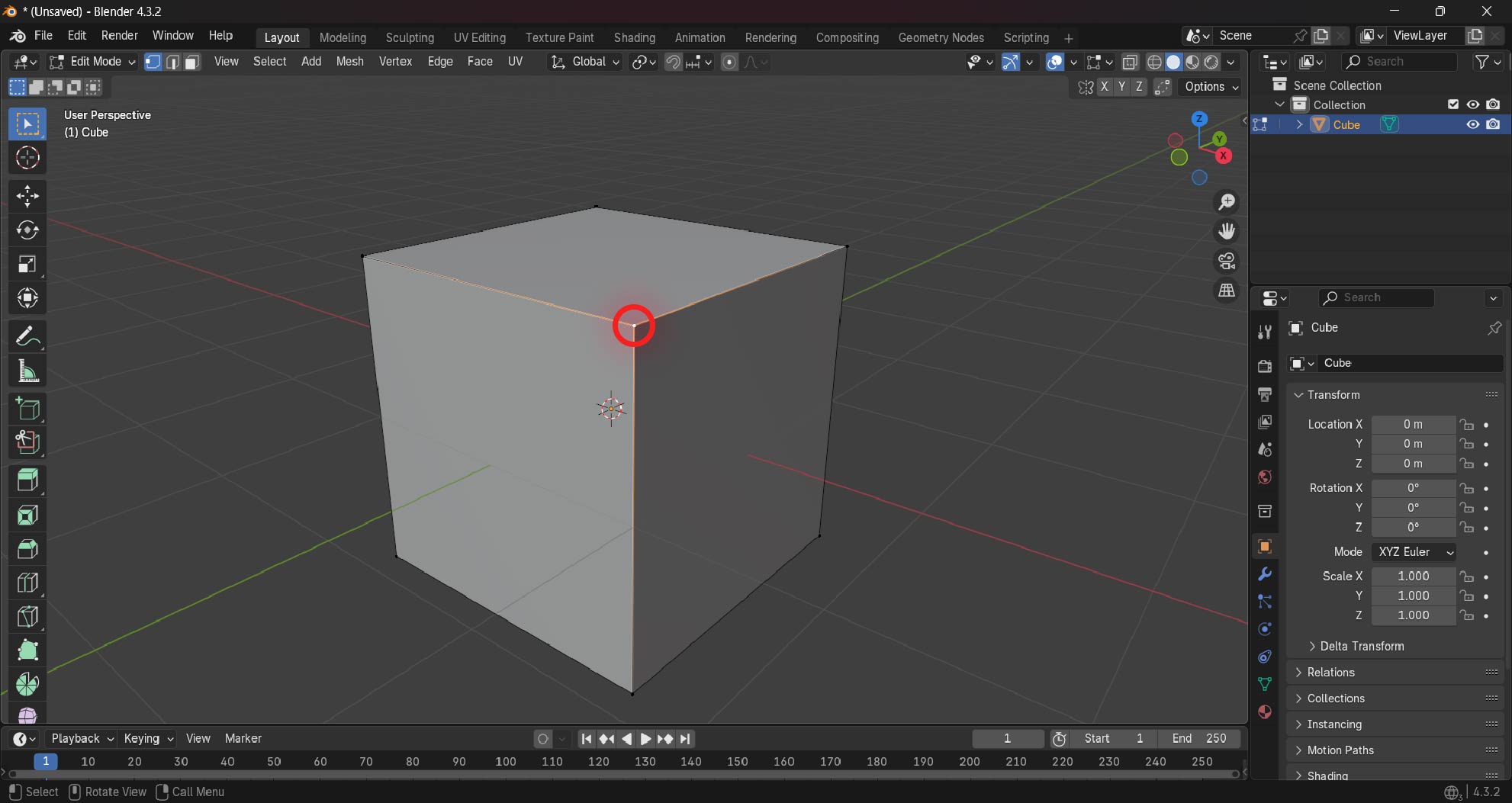
Understanding how 3D models support their own structure will help you go a long way in your 3D journey
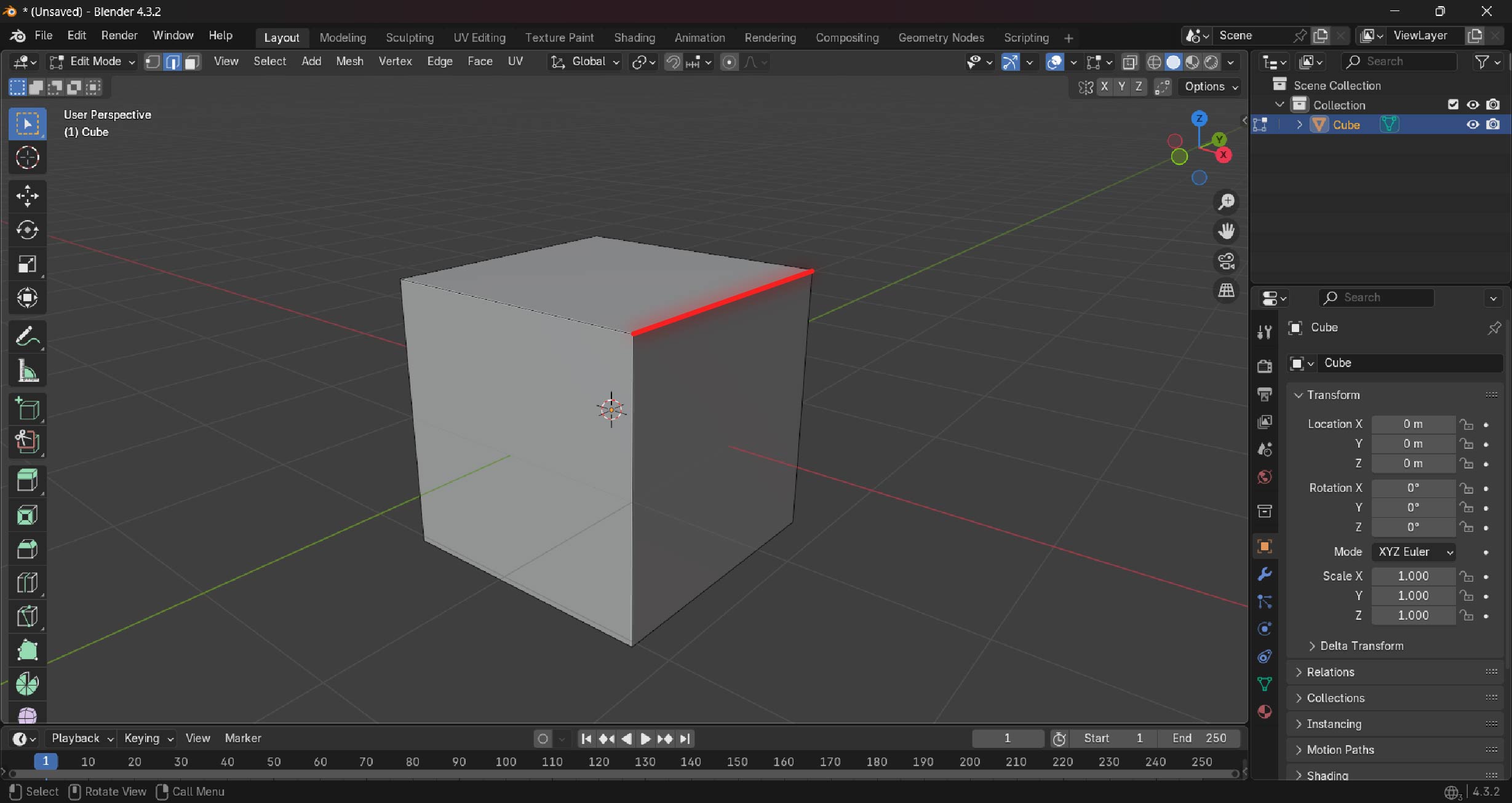
Edges (not the verb)
Edges, quite simply put are the connection of 2 vertices. Edge is just a line that connects two vertices.
How an edge "flows" in a model and determine how well the model functions in any project.
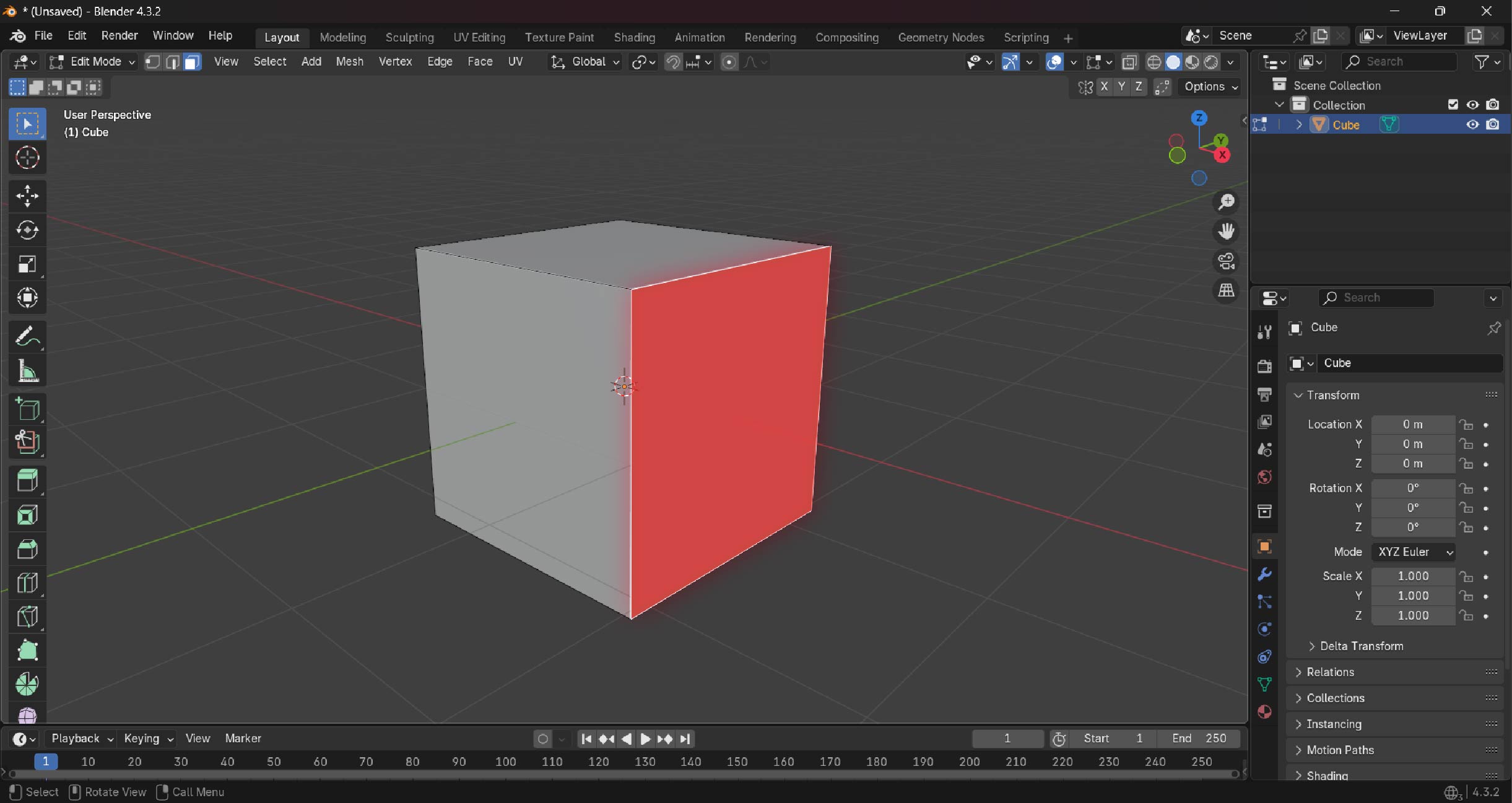
Faces
If edges are two vertices joined together, what could a face be?
EXACTLY! It is three or more vertices connected together. A face is a closed off shape that is connected by using three or more edges that are connecting three or more vertices. A face can have an infinite amount of edges. Ideally it is good to uphold the practice of maintaining four edges (called a polygon) for control over the model as three edges (called a triangle) or more than four edges (called an n-gon) can make it difficult to edit the mesh properly.
Mesh
With everything mentioned above you should be able to guess what a mesh is. The mesh is the "body" of the 3D model that is made up of…….you guessed it! Vertices, edges and faces
Now when you open up blender you will see the default cube. Click on it and hit Tab on your keyboard. You are now in edit mode (where you can edit the 3 components mentioned above) toggle through the 1,2,3 buttons above your letters on the keyboard to toggle through vertex selection, edge selection and face selection respectively.
Try it and experiment away.